



“An excellent level of control without feeling overly complicated.”

NIK HDR EFEX
Upgrades in v9
Depth Masks — Target adjustments based on the distance from the camera
AI Masks — Create smart, pixel-perfect selections in an instant
Mask overlays — Keep a clear view of your image while making local adjustments
Copy/paste local adjustments — Quickly transfer your edits between images
Merge your images and reveal every detail
Great HDR images begin with multiple photos of the same subject, all taken with different exposures using a camera’s bracketing function.
Nik HDR Efex does all the calculations and takes out the effort of merging multiple exposures to produce dramatic HDR photos that are both stunning and natural-looking.


In this real estate photo, by balancing interior and exterior light, the image feels natural and gives viewers a sense of what lies beyond the windows.
“A quick and easy way to create HDR images.”
GET YOUR
FREE TRIAL NOW!
Download NIK COLLECTION 9 today.
30-day free trial, no restrictions, no card details required.

Works brilliantly on single images
Sometimes you might want that HDR look but only have one image to work with.
The advanced tone-mapping algorithm in Nik HDR Efex expands the dynamic range of a single image to give that HDR feel.
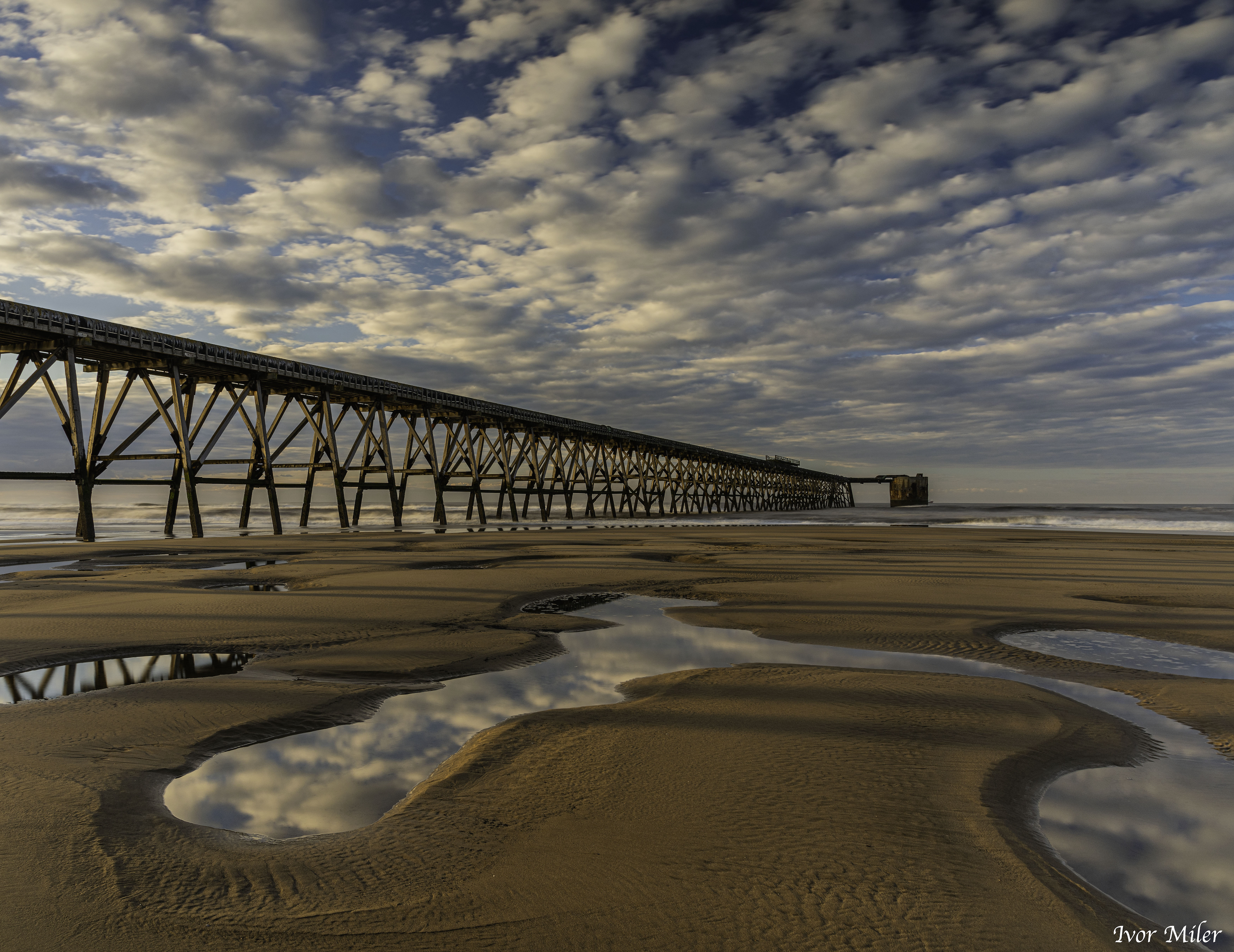
It’s the perfect tool for adding drama to your favorite landscape shots.


Giving you absolute precision
Nik HDR Efex gives you precise control over every part of your image using Nik Collection’s intuitive U Point technology, making local adjustments fast and effortless.
New in Nik Collection 9, AI Masks and Depth Masks intelligently identify key areas in your photo, giving you even quicker, more accurate control over local adjustments.


Lightning-fast retouching in Adobe Photoshop
The Nik Collection Panel gives you instant access to the entire suite of plugins when working within Photoshop.
The panel also allows you to quickly apply your favorite or most recent edit to a new image with a single click.
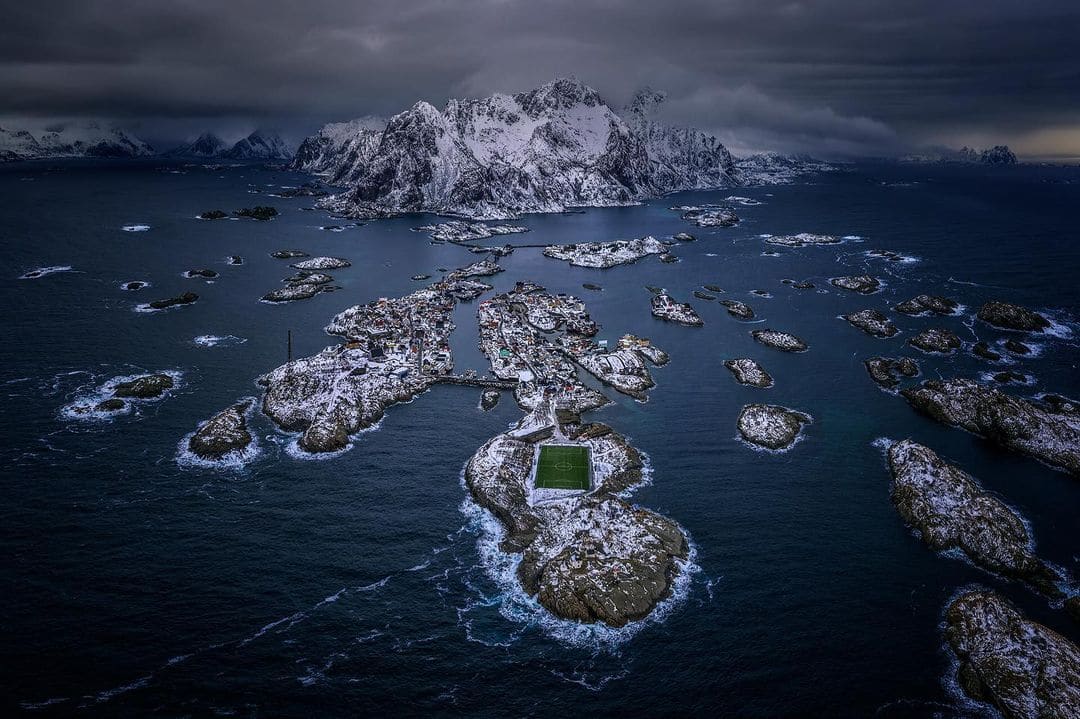
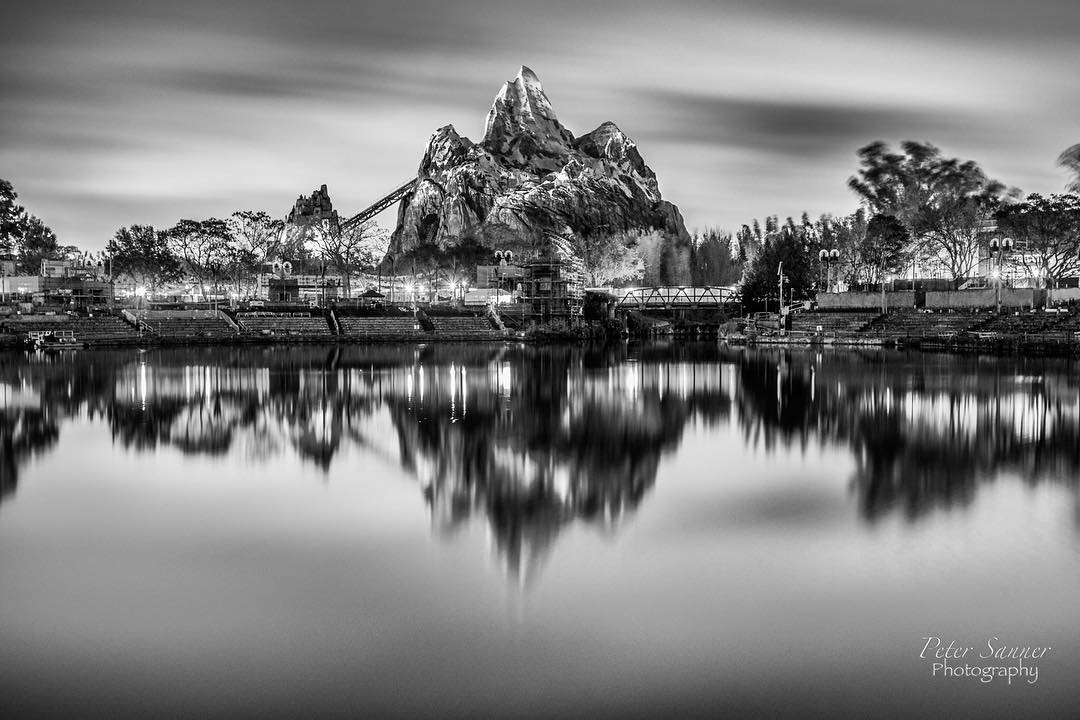
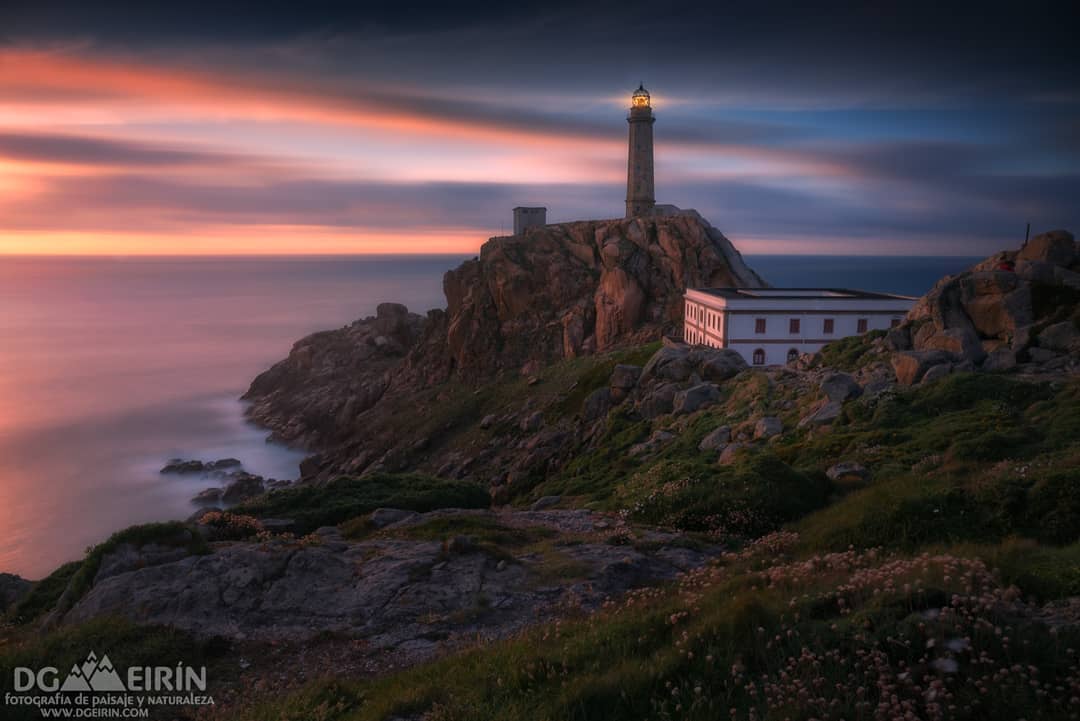
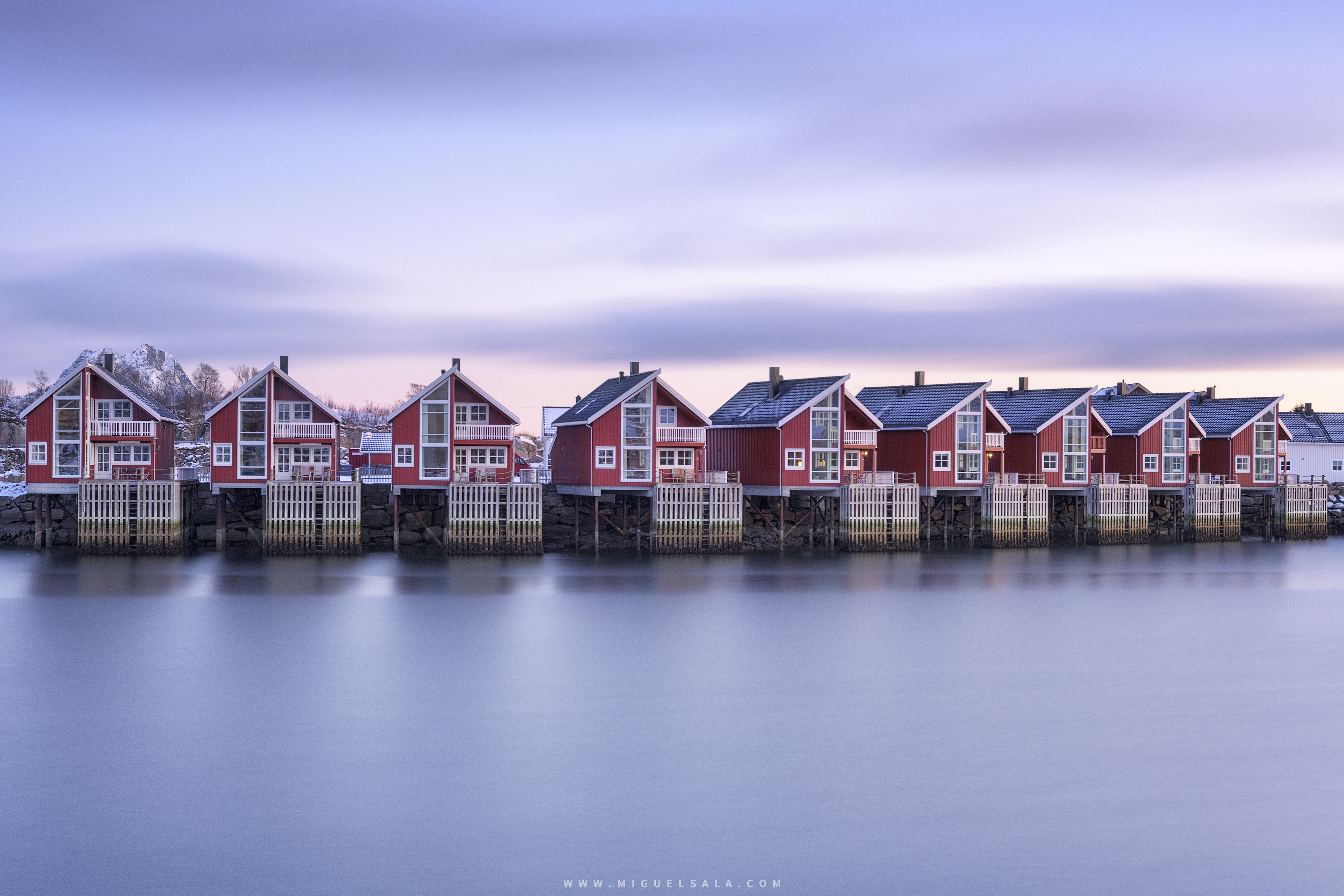
SHARE YOUR BEST EDITS







NIK COLLECTION 9 by DxO
The Creative Toolbox
Image editing software to fuel your imagination.